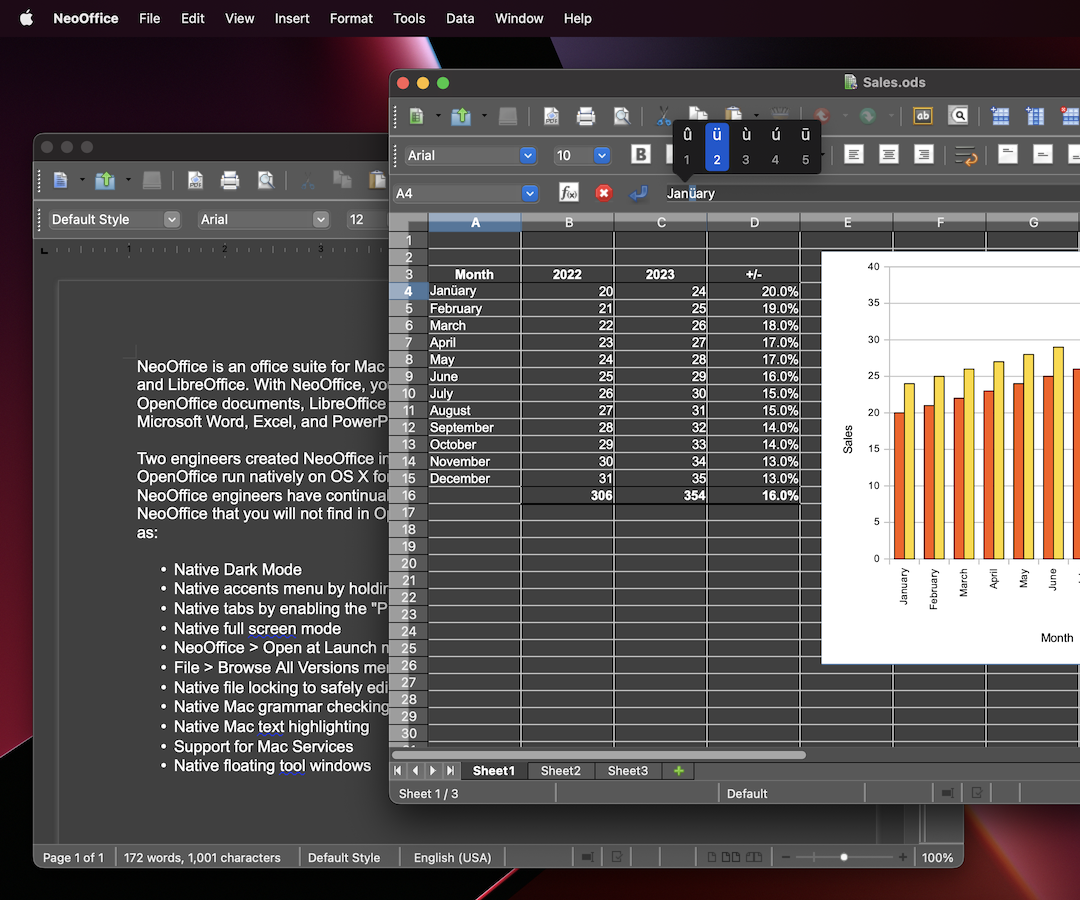
 NeoOffice is an office suite for macOS that is based on old versions of OpenOffice and LibreOffice. With NeoOffice, you can view, edit, and save older OpenOffice and LibreOffice documents.
Note: if you need to view, edit, and save newer LibreOffice or Microsoft Office documents, you may want to try LibreOffice. In most cases, the latest version of LibreOffice can open and save Microsoft Office documents far better than NeoOffice.
Two engineers created NeoOffice in 2003 when they made OpenOffice run natively on OS X for the first time. Over the years, the NeoOffice engineers added the following macOS features to NeoOffice that you will not find in OpenOffice or LibreOffice:
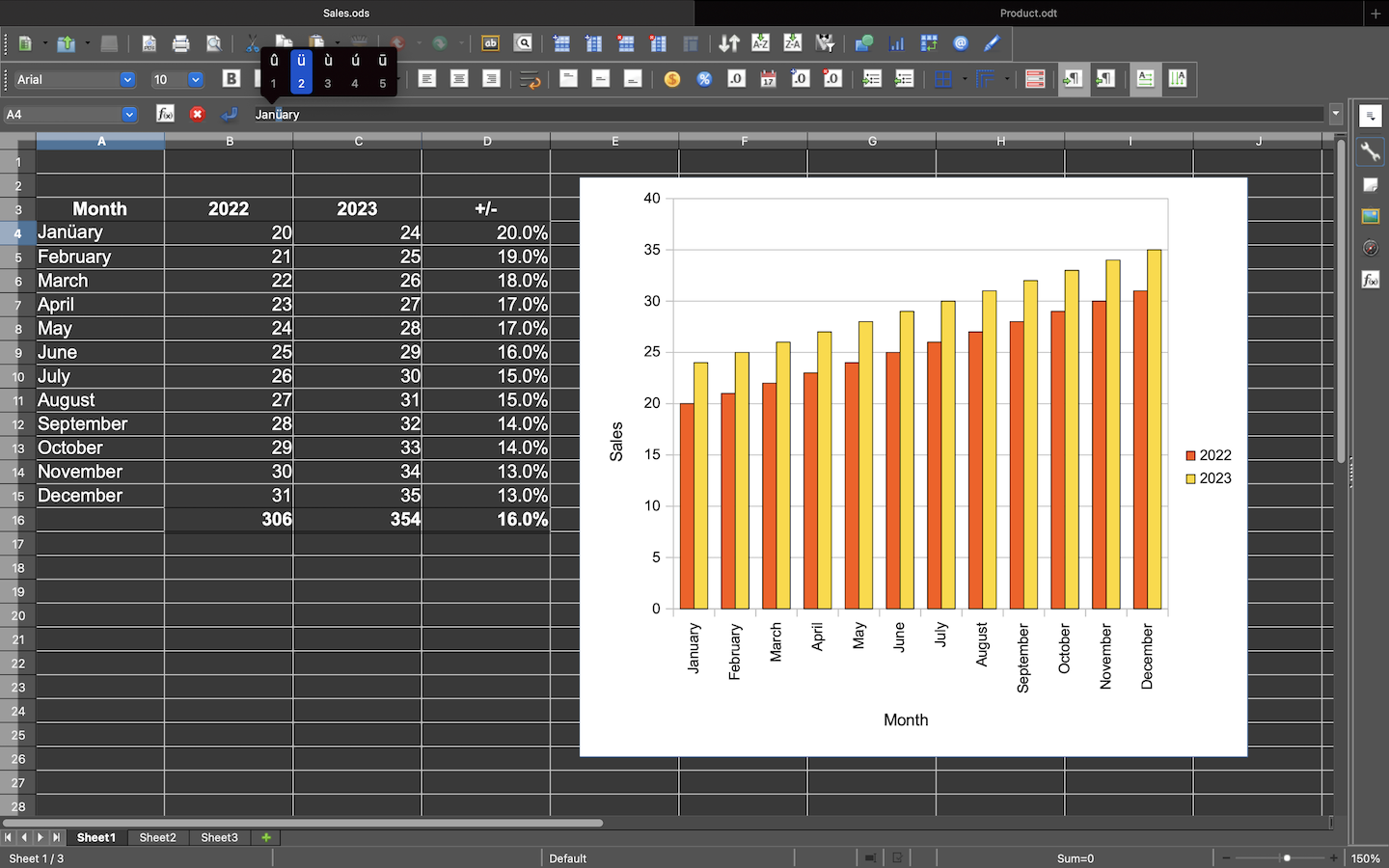
- Native tabs by enabling the "Prefer tabs" system preference
- Native full screen mode
- NeoOffice > Open at Launch menu to open Calc or Impress instead of Writer at launch
- File > Browse All Versions menu to restore previous versions of your documents
- Native file locking to safely edit files in iCloud Drive, Dropbox, or network drives
- Native Mac grammar checking
- Native Mac text highlighting
- Support for Mac Services
- Native floating tool windows