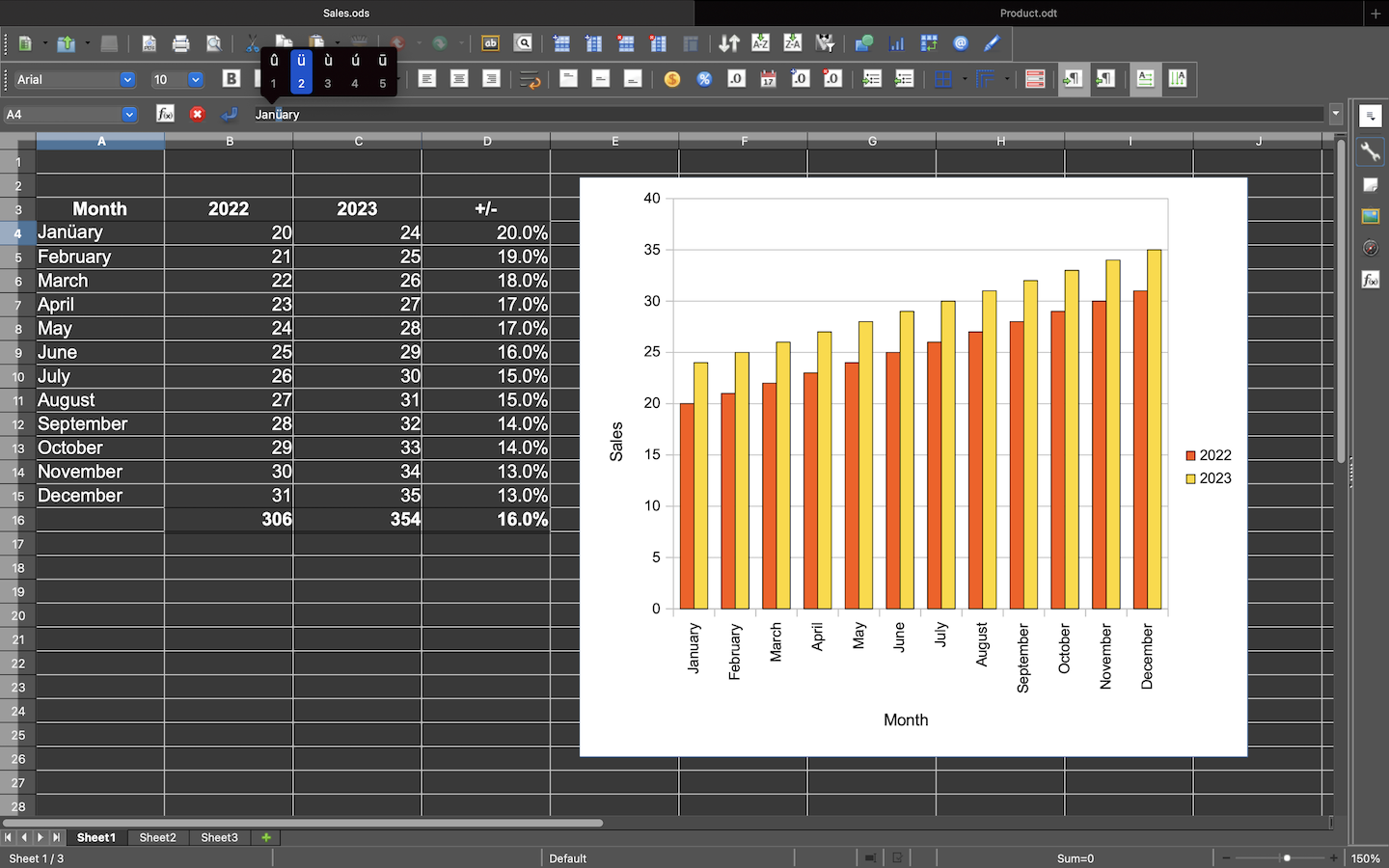
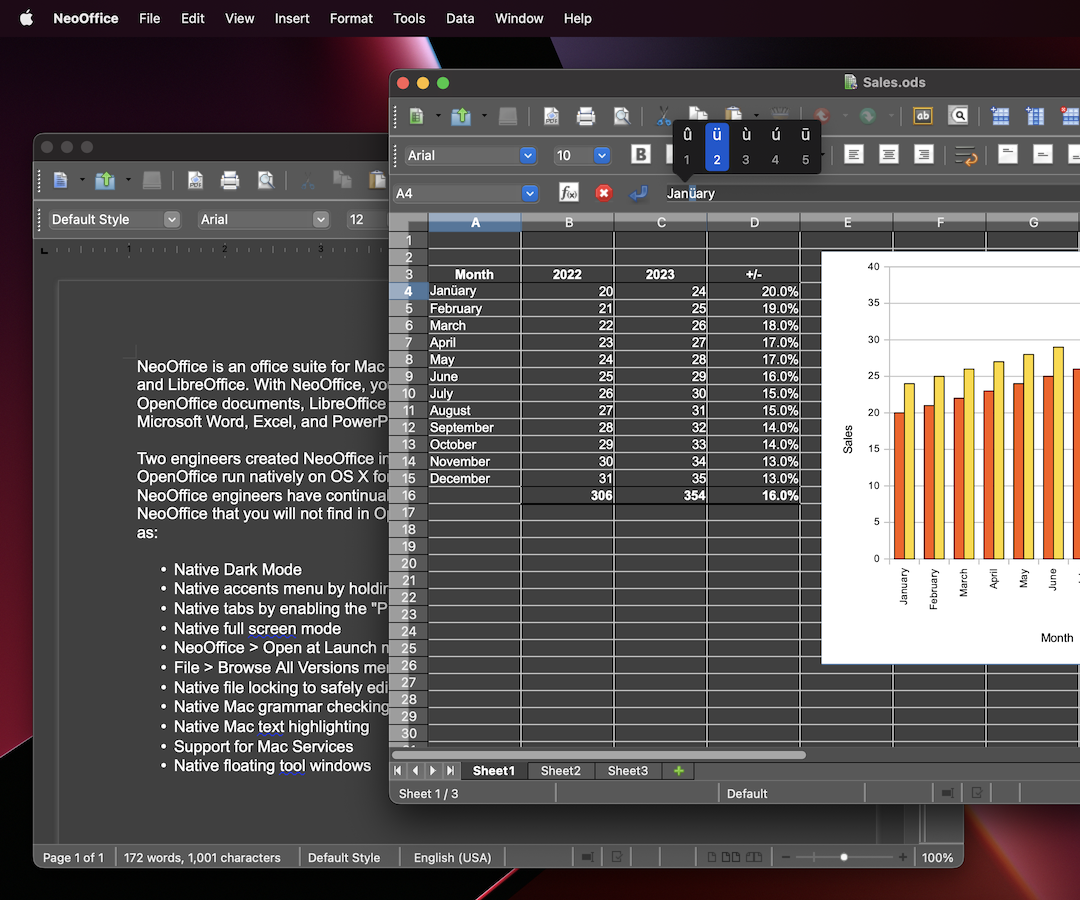
 NeoOffice ist ein Office-Paket für macOS, die auf alten Versionen von OpenOffice und LibreOffice basiert. Mit NeoOffice können Sie ältere OpenOffice- und LibreOffice-Dokumente anzeigen, bearbeiten und speichern.
Hinweis: Wenn Sie neuere LibreOffice- oder Microsoft Office-Dokumente anzeigen, bearbeiten und speichern müssen, sollten Sie LibreOffice ausprobieren. In den meisten Fällen kann die neueste Version von LibreOffice Microsoft Office-Dokumente weitaus besser öffnen und speichern als NeoOffice.
Zwei Ingenieure erstellten NeoOffice im Jahr 2003, als sie OpenOffice auf OS X zum ersten Mal native ausführbar machten. Im Laufe der Jahre haben die NeoOffice-Ingenieure NeoOffice um die folgenden macOS-Funktionen erweitert, die Sie in OpenOffice oder LibreOffice nicht finden:
- Nativen Tabs durch aktivieren der Systemeinstellung „Tabs bevorzugen”
- Nativer Vollbildmodus
- NeoOffice > Beim Starten Öffnen Menü für die Öffnung von Calc oder Impress anstelle Writer beim Start
- Datei > Alle Versionen durchsuchen Menü für die Wiederherstellung von vorherigen Versionen von Ihrer Dokumente
- Native Datei-Sperrung für die sichere Bearbeitung von Dateien in iCloud Drive, Dropbox oder Netzlaufwerke
- Native Mac Grammatikprüfung
- Native Mac Textmarkierung
- Unterstützung von Mac Dienste
- Native schwebende Werkzeugfenster